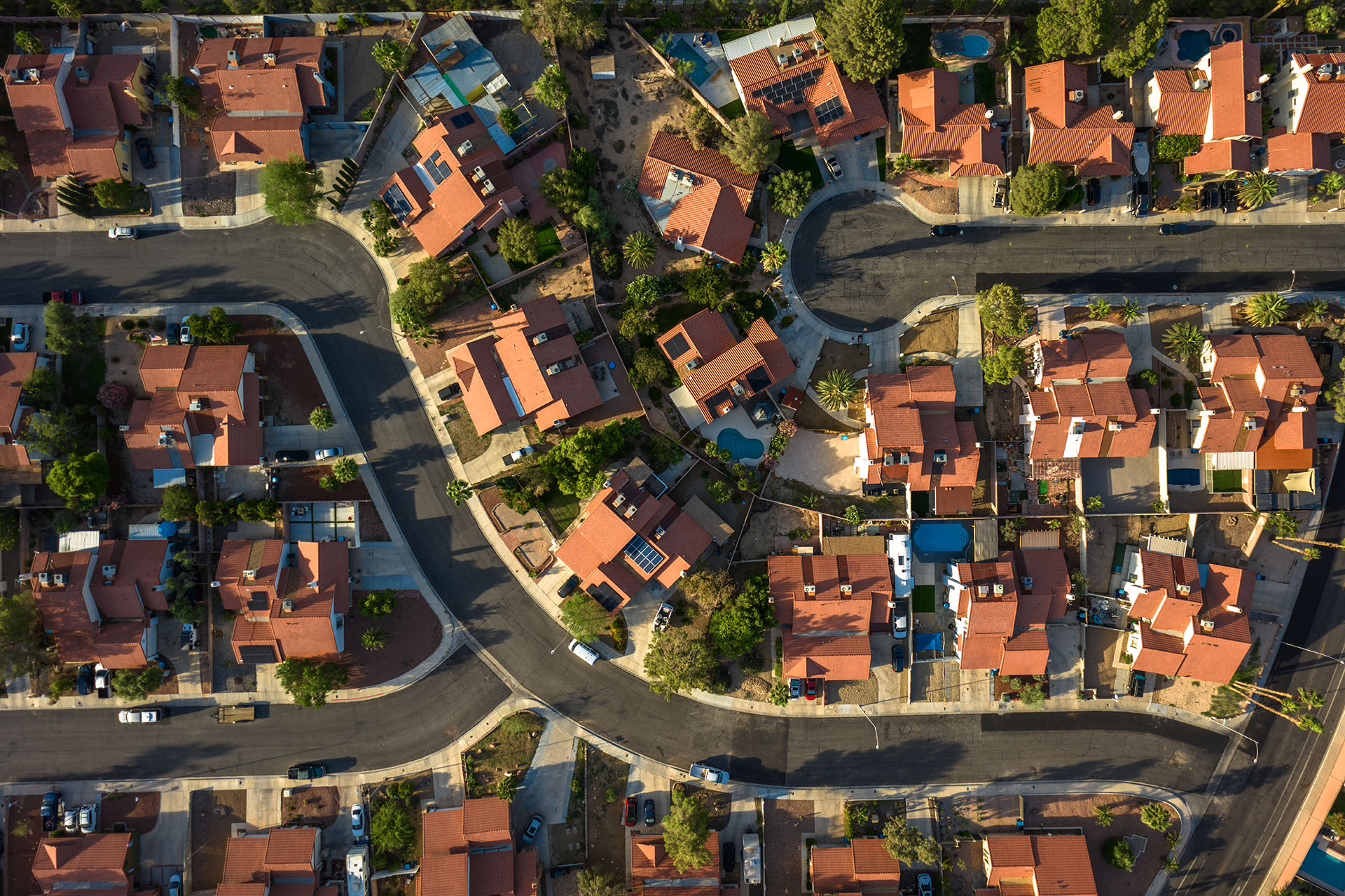


Manage your policy online
Enjoy convenient, 24/7 access to your policy with MyPolicy. Easily manage your account online from your phone, tablet, or computer—wherever and whenever you need to.
Please have your policy number (and driver’s license number for auto policies) ready to create your account.

With MyPolicy, you can:
- Print or view proof of insurance ID cards
- Set paperless preferences
- Set up and manage automatic payments or make secure one-time payments
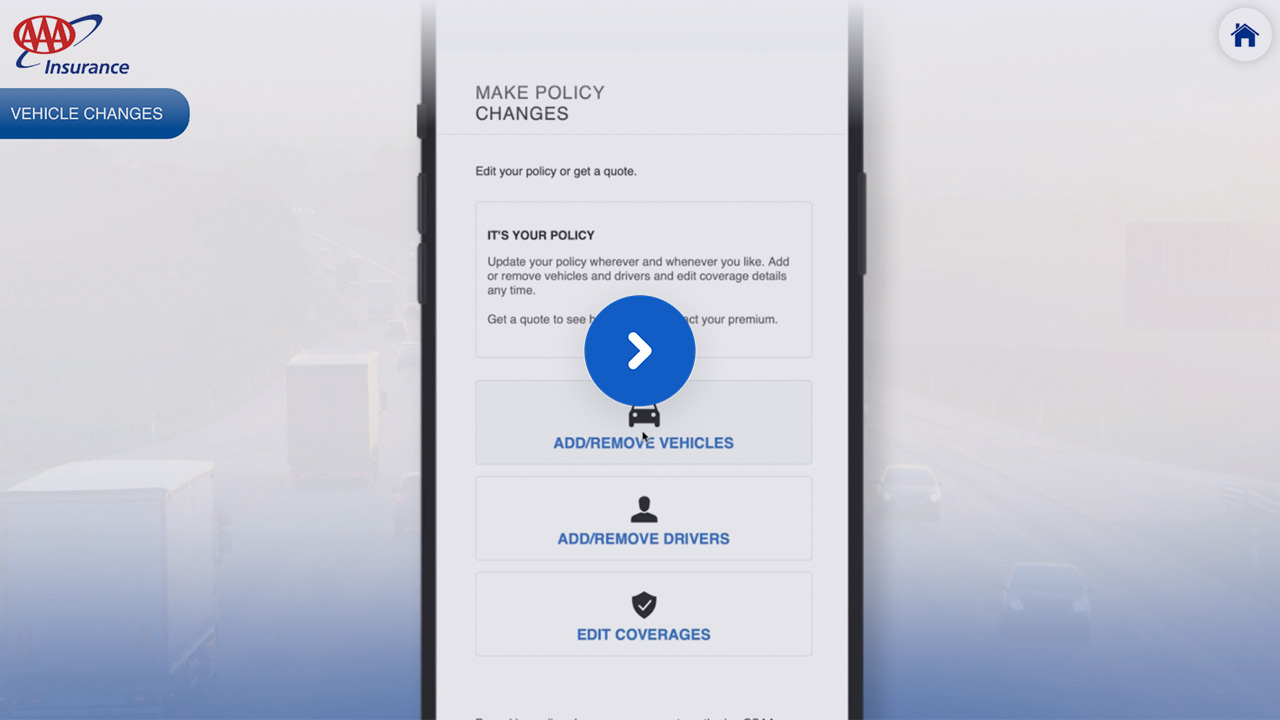
- Add or remove drivers and vehicles (not available for all policies)
- Access important insurance policy documents
Need help?

Customer service
Call 800.922.8228
Available 24 hours a day, 7 days a week
Located outside Northern California?
View the phone number for your state.

Collision repair
Find a repair shop: Direct Repair Network
For an application to join the Direct Repair Network: Repair Facility Application

Claims assistance
Call 800.922.8228
Available 24 hours a day, 7 days a week

Evidence of insurance
Lender self-service: LenderHub – The AAA Self-Service Portal
For policyholders, send an email to endorsements@csaa.com.
How to videos
Learn how to manage your payments, go paperless and make policy changes online.
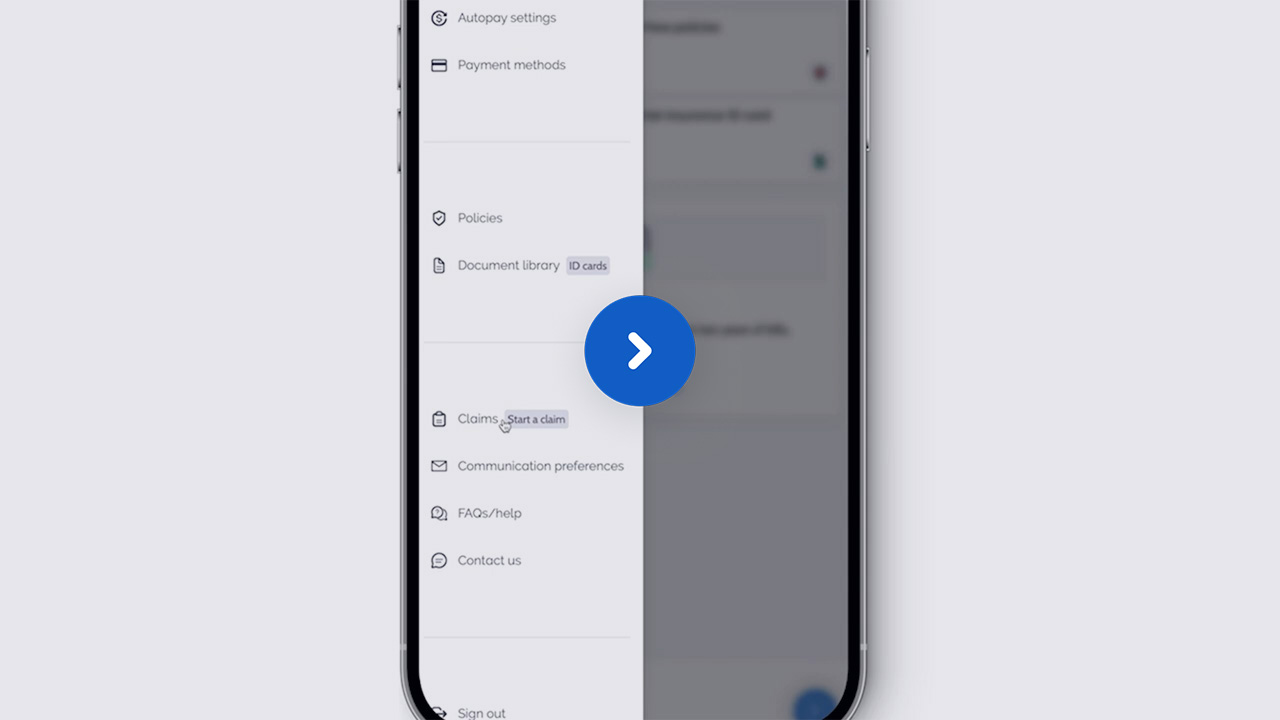

Paperless preferences
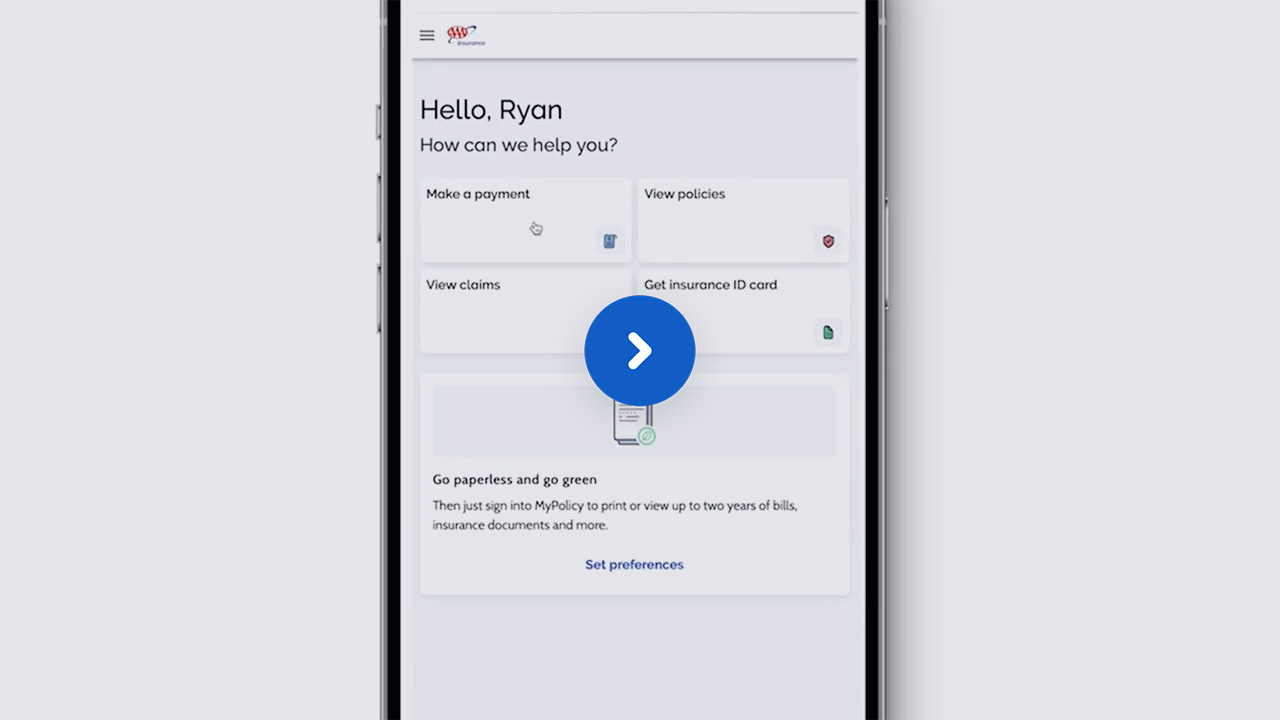
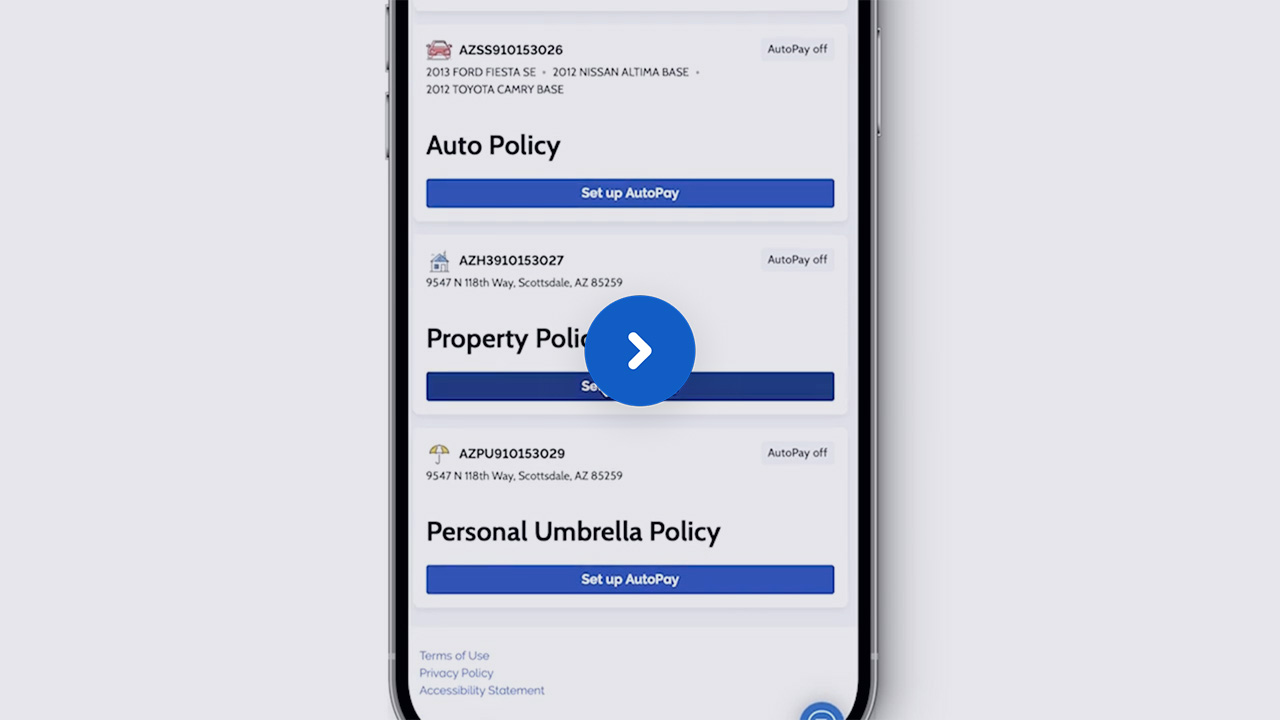
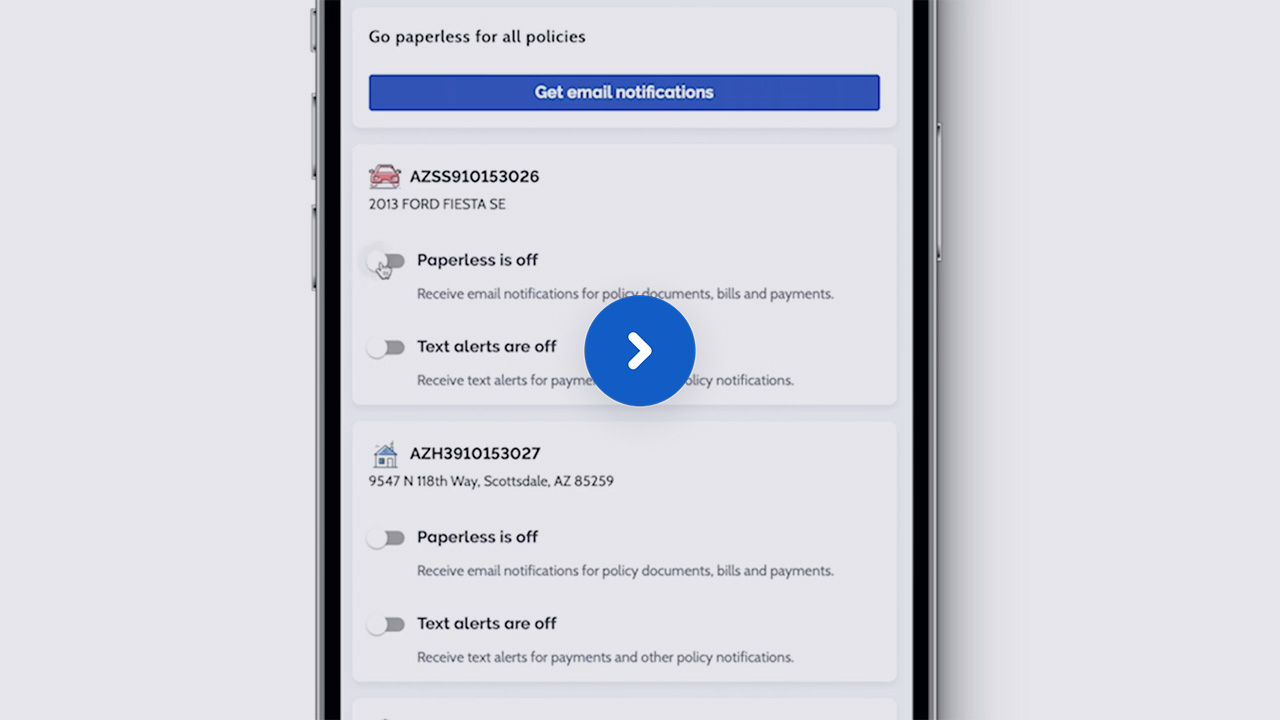
Once you sign up for MyPolicy, you can go online to set your paperless preferences and receive less paper at home.
After signing in:
- Select the menu in the upper left corner
- Select “Communication preferences”
- Select “Go Paperless”
Be prepared for wildfires
Free wildfire assessment
Get a free aerial assessment report from Madronus, the trusted wildfire mitigation specialist.
Wildfire consultation
AAA is proud to team up with Madronus to help you understand your home's wildfire risk.
Wildfire mitigation resources
Working hand-and-hand with our customers to manage wildfire risks.
My Resilient Home
Tips and resources to help make your home more resilient before, during, and after natural disasters.
Wildfire protection discounts
Discounts for AAA Home Insurance policyholders who make their homes and communities safer from wildfires.